



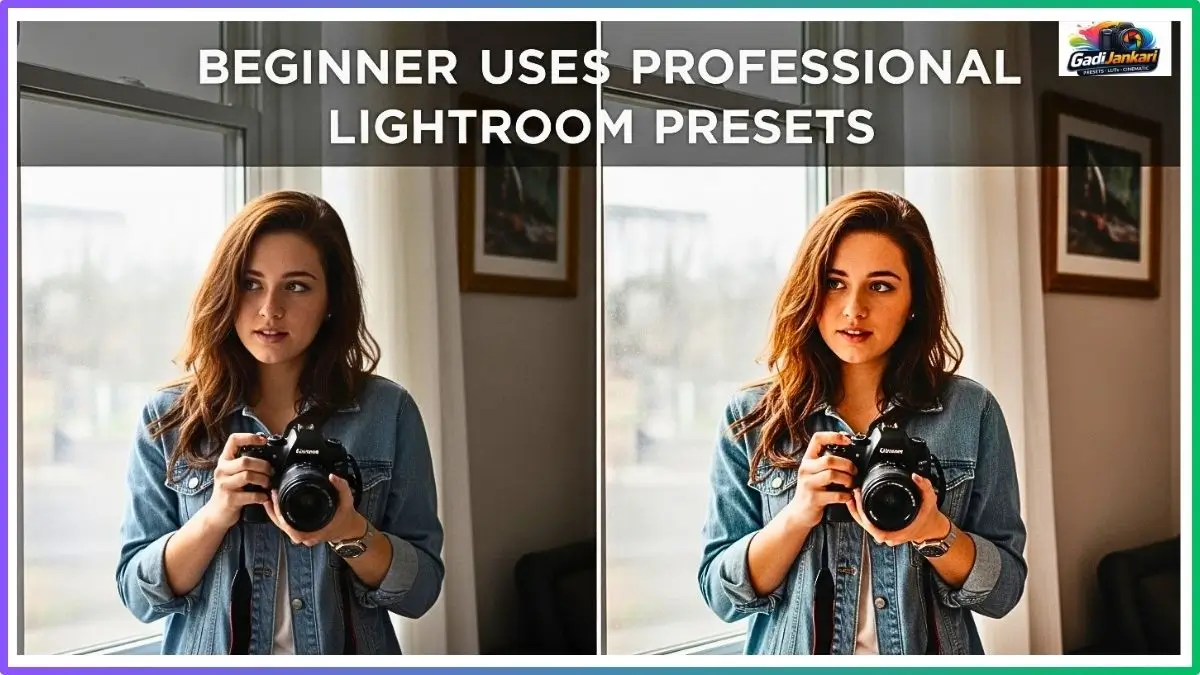
Friends, this experiment started because of an argument. My cousin Rahul bought his first camera in January 2026 and started clicking everything from street dogs to sunsets. Main kept telling him his photos need editing. He kept saying editing is too complicated and he would never learn it. So I did something bold. I handed him my ₹3499 professional Lightroom presets pack, installed the free Lightroom Mobile app on his phone, and told him to figure it out himself. No tutorials. No guidance. Just a complete beginner, along with professional-grade editing tools.
I checked in with him every single day for seven days. What unfolded during that week was genuinely fascinating. Some moments made me laugh. Some made me cringe. And one specific result on day four made me rethink everything I believed about whether beginners should invest in professional presets. This post documents exactly what happened from his very first click to his final verdict after seven days of stumbling, failing, learning, and occasionally producing something surprisingly beautiful.
Quick Experiment Overview
| Detail | Information |
|---|---|
| Test Subject | Rahul, age 23, zero editing experience |
| Camera Used | Phone camera Samsung Galaxy A54 |
| Preset Pack Given | Premium portrait and landscape pack ₹3499 |
| Total Presets Available | 45 presets across 5 categories |
| Editing App | Lightroom Mobile free version |
| Test Duration | 7 consecutive days |
| Photos Edited | 47 total images across the week |
| Guidance Given | None beyond initial installation |
Beginner Tries Pro Presets What Really Happened First Day
Day one was rough. Rahul called me within twenty minutes, saying the app looks confusing and he cannot find where the presets went after importing the DNG files. He spent 35 minutes just figuring out how to access the preset panel. Once he found it,t he clicked randomly on the first professional Lightroom preset he saw without looking at the name or category.
The preset was designed for moody landscape photography. He applied it to a selfie he took that morning. The result turned his face dark blue with crushed shadows. He sent me the photo with a message saying this thing is broken.
First Time Preset Use Honest Beginner Experience 2026
This is the most common mistake every beginner makes, and Rahul fell right into it. He grabbed a landscape mood preset and slapped it onto a portrait. The preset shifted shadows toward deep teal and pulled warmth out of midtones. On a mountain photograph that creates drama. On a human face,e it creates a disaster.
By the end of day one, he had applied 6 different presets to 4 photos. Every combination looked terrible because he was matching landscape presets to portrait images and portrait presets to food photos. Category awareness is something experienced editors take for granted, but beginners have no concept of it at all.
Skin Tone Disaster: What Happened To My Subject 2026
Rahul photographed his sister on day two and applied three different presets, trying to make the image look professional. The first preset turned her skin grey. The second shifted everything toward heavy yellow. The third added so much contrast that her face looked like a charcoal drawing.
He messaged me saying professional photographers must use completely different technology because these presets make everyone look sick. I had to resist the urge to intervene because the whole point of this experiment was zero guidance.
Pro Preset On Basic Photo Did It Actually Work
Day three brought the first breakthrough. Rahul took a photo of a tea stall in morning sunlight. He applied a preset called Warm Cinematic from the portrait category. For the first time, the result actually looked genuinely good. The golden tones enhanced the morning light. The steam from the chai glasses caught a beautiful, warm glow. The background softened into rich earth tones.
He sent me the image and asked if I had secretly edited it from my end. I had not touched anything. The professional Lightroom preset simply found the right match with the right lighting conditions. This single success kept him motivated to continue the experiment.
Beginner Shock Result Nobody Warned Me About This 2026
By day three, evenin,g Rahul noticed something troubling. After using warm-toned presets on everything, his entire gallery looked orange. Every photo had the same amber cast because he kept choosing the same category of preset for every single image, regardless of the original lighting or subject.
This is a trap that beginners fall into constantly. They find one preset that works once and then apply it to absolutely everything, expecting identical results. Photography lighting varies enormously, and a single preset cannot handle every condition.
Auto Fix Attempt: Did Lightroom Save My Edit
Rahul discovered the auto-adjust button on day four. He started applying a preset first, then hit auto adjust,t hoping Lightroom would fix whatever looked wrong. The results were mixed at best.
On 3 out of 8 images, the auto function improved the preset result by pulling back extreme adjustments. On the remaining 5 images,s the auto function fought against the preset, et creating a strange hybrid look that was worse than either option alone. Beginners need to understand the auto-adjustment and preset application work on different logic systems, and combining them blindly produces unpredictable output.
Real First Attempt Truth About Using Pro PresDays fourrDays four
Daysfour and five marked the real turning point. Rahul started reading the preset names before applying them. He began matching Outdoor Portrait presets to outdoor portraits and Indoor Warm presets to indoor shots. This simple category matching improved his results dramatically.
| Day | Photos Edited | Acceptable Results | Success Rate |
|---|---|---|---|
| Day 1 | 4 | 0 | 0 percent |
| Day 2 | 6 | 0 | 0 percent |
| Day 3 | 8 | 2 | 25 percent |
| Day 4 | 8 | 4 | 50 percent |
| Day 5 | 7 | 5 | 71 percent |
| Day 6 | 8 | 6 | 75 percent |
| Day 7 | 6 | 5 | 83 percent |
His success rate went from zero on day one to 83 percent by day seven. The professional Lightroom presets did not change. His camera did not change. His understanding of which preset fits which situation evolved naturally through trial and error.
RAW File Needed: Why JPEG Ruined My Preset
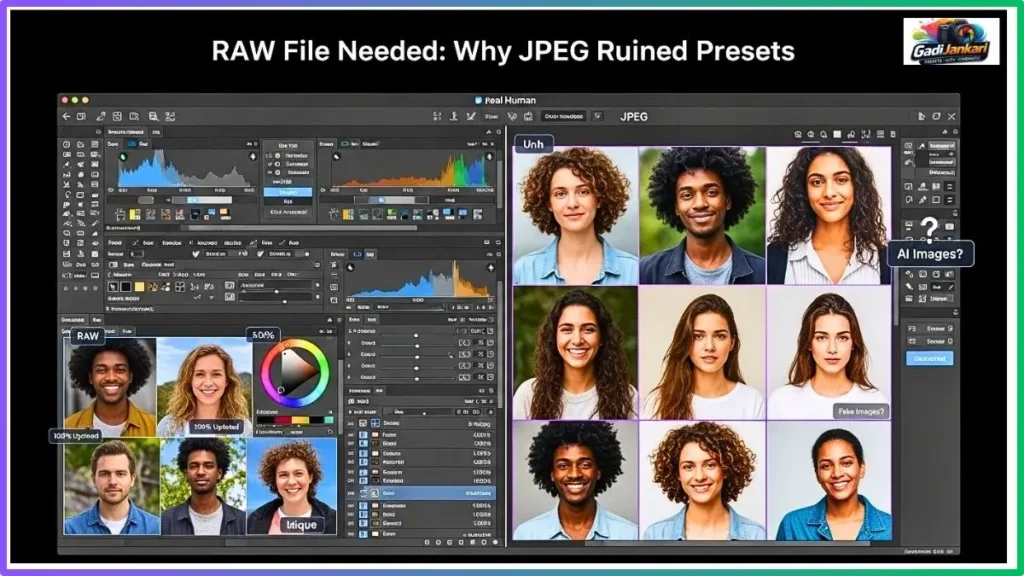
On day five, I asked Rahul to try one thing. Shoot the same scene twice. Once in standard JPEG mode and once using the RAW capture option available in his phone camera settings. He applied the same preset to both versions.
The JPEG version looked harsh with visible banding in the sky gradient. The RAW version looked smooth, natural, and retained detail in both shadows and highlights. Rahul called me immediately, asking why nobody told him about this earlier. The difference was that dramatic.
The Technical Reason Explained Simply
JPEG files compress color information down to 8 bits per channel, el giving the preset very limited data to work with. RAW files retain 12 to 14 bits per channel, providing the professional preset with enormously more color information to manipulate. This is why every professional shoots RAW and why preset sellers always recommend RAW file input.
Free vs Paid Test: Which Worked Better For Beginners
On day six, I asked Rahul to download 3 free preset packs from the internet and compare them against the ₹3499 paid collection on the same photos. His observations as a complete beginner were surprisingly perceptive.
| Criteria | Free Presets | Paid ₹3499 Pack |
|---|---|---|
| Skin Tone Handling | Inconsistent often yellow | Natural across conditions |
| Shadow Detail | Crushed to black | Rich detail preserved |
| Highlight Recovery | Frequent clipping | Smooth rolloff |
| Category Organization | Random naming | Clear labeled categories |
| Usable Presets Out Of Total | 2 out of 12 | 28 out of 45 |
| One Click Readiness | Heavy manual fix needed | Minimal adjustment needed |
Rahul noted that the free presets required him to fix 4 to 5 things after application,n while the paid pack needed only 1 to 2 minor tweaks. For a beginner who barely understands what the adjustment sliders do, this difference between workable and unusable is everything.
One Click Wonder: Did One Click Give Pro Result
The honest answer from seven days of testing is sometimes yes and sometimes no. On outdoor photos taken in good natural light, the professional Lightroom presets delivered genuinely impressive one-click results roughly 60 percent of the time. Indoor photos with mixed artificial lighting dropped that success rate to about 30 percent.
Rahul discovered that the closer his original photo matched what the preset was designed for, the better the one-click result appeared. A well-lit outdoor portrait with a clean background gave beautiful results instantly. A dimly lit indoor group photo with multiple light sources needed significant manual correction even after preset application.
Before After Shock How Different Was the Final Result
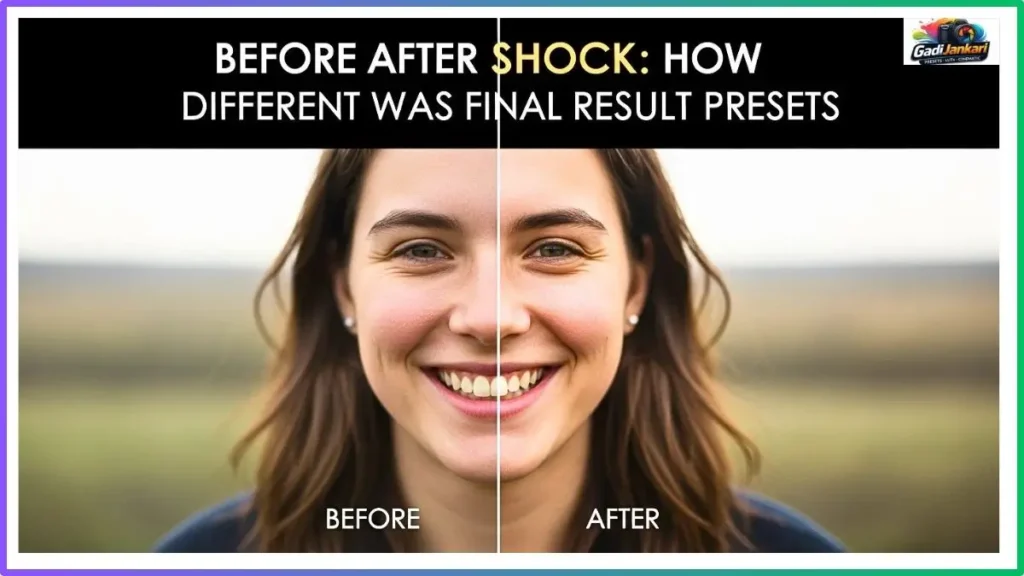
By day seven, Rahul had developed enough intuition to produce consistently decent results. His best before-and-after comparison was a street market photo taken during golden hour. The original looked flat and slightly underexposed. After applying the Warm Street preset and making two small adjustments, the image looked like something from a travel magazine.
The shadow areas gained rich, warm depth. The fruit vendor’s face caugthe ht beautiful golden light. The background blurred slightly through natural depth of field, and the preset enhanced that separation beautifully. This was the image that convinced Rahul to keep learning photo editing.
Adjustment Required: How Much I Had To Fix After
This table shows the average number of manual adjustments Rahul needed to make after applying each preset category across the full week.
| Preset Category | Average Adjustments Needed | Main Fix Required |
|---|---|---|
| Outdoor Portrait | 1 to 2 | Slight exposure correction |
| Indoor Portrait | 3 to 4 | White balance and shadows |
| Landscape | 1 to 2 | Highlight recovery |
| Street Photography | 2 to 3 | Contrast and warmth |
| Moody Cinematic | 4 to 5 | Extensive shadow and color fix |
The moody cinematic category consistently needed the most post preset adjustment. These presets create dramatic looks that require experienced hands to fine-tune. Outdoor portrait presets proved most beginner-friendly with minimal corrections needed.
What A Complete Beginner Learns In 7 Days
- Match the preset category to your photo subject before clicking apply
- Always shoot in RAW format, even on a phone camera, for better preset results
- Never judge a preset pack based on results from the first day alone
- One preset cannot handle every lighting condition. Stop reusing the same one everywhere
- The exposure slider is your best friend after applying any preset learn it first
- Free presets work for experimentation, but paid packs save enormous time on real work
- Reading the preset name tells you exactly what type of photo it was designed for
- Indoor mixed lighting photos need the most manual work after the preset application
Final Honest Verdict: Should Beginners Use Pro Presets 2026
Rahul’s own words after seven days sum it up perfectly. He said that the first three days, he thought the presets were a waste of money. By day s, even he could not imagine editing without them. The learning curve exists, but it is shorter than learning manual editing from scratch.
Frequently Asked Questions
Can A Complete Beginner Get Good Results With Professional Presets On Day One
Honestly no. My experiment showed zero acceptable results on day one. A beginner needs at least 3 to 4 days of practice matching preset categories to photo types before producing consistently decent output.
Do Professional Presets Work On Phone Camera Photos
Y, work on phone photo, os, but results improve dramatically when shooting in RAW format. JPEG files limit the preset’s ability to manipulate color data effectively. Enable RAW capture in your phone camera settings.
Is A ₹3499 Preset Pack Worth It For Someone Just Starting Photography
If you plan to continue photographing regularly, yes. The organized categories and consistent quality save enormous learning time compared to free alternatives. If photography is a passing interest, start with free presets first.
Which Preset Category Works Best For Complete Beginners
Outdoor portrait presets proved most beginner-friendly in this experiment. They required the fewest manual adjustments and produced acceptable one-click results roughly 60 percent of the time under natural lighting conditions.
How Long Does It Take A Beginner To Get Comfortable With Professional Presets
Based on this 7-day experiment, a complete beginner reaches reasonable comfort by day 5. By day 7, Rahul achieved an 83 percent success rate on producing acceptable results from professional Lightroom presets through simple category matching.
My Final Word
Friends, this experiment proved something I genuinely did not expect. A person with absolutely zero editing experience can produce surprisingly good photos using professional Lightroom presets within one week. The first few days are rough and frustrating, but the learning curve flattens quickly once the beginner grasps one simple concept. Match the right preset to the right photo type. Rahul went from calling the presets broken on day one to refusing to post unedited photos by day seven. If a 23-year-old with no technical background can reach that level in seven days, so can you. Just survive the first three days, and everything clicks after that.
Leave a Reply