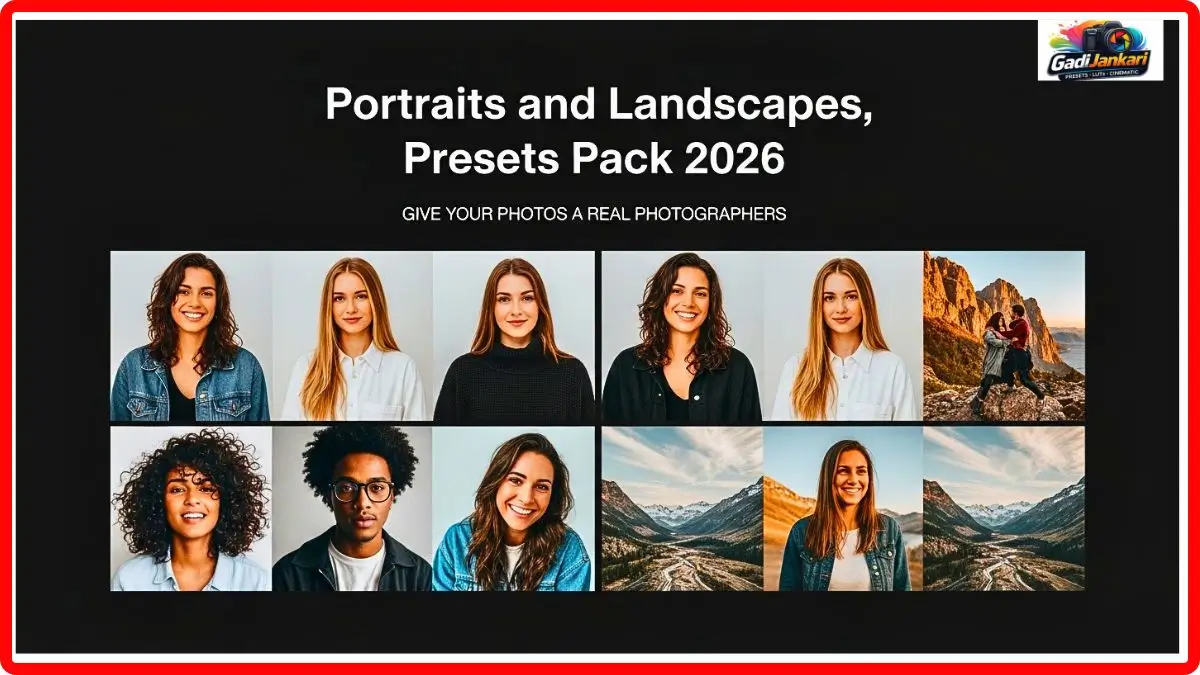
Description
Friends, I have been editing photos for almost six years now. I have tried dozens of preset packs, overlays, and editing tools. Most of them work great on one type of photography but completely fall apart on another. That was my biggest frustration until I found this Photography Bundle earlier this year in 2026.
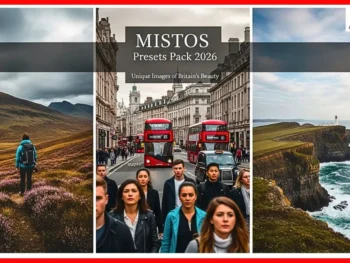
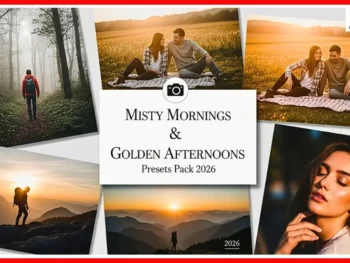
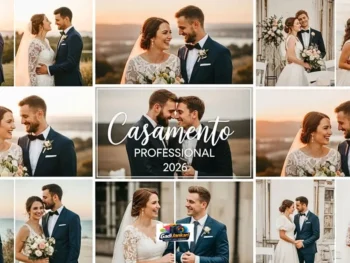
I shot a wedding portrait session on a Saturday morning and a mountain landscape trip the very next day. I applied the same preset pack to both sets of images. The skin tones on the portraits came out warm and natural. The greens and blues in the landscapes looked rich without being oversaturated. That was the moment I knew this bundle was different from everything else I had used before.
What Exactly Is Inside This Bundle
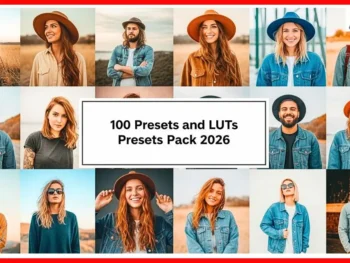
This is not just a preset pack. This is a complete photography toolkit built for creators who shoot multiple genres. Inside, you get over 150 professional Lightroom presets, 80 handcrafted photo overlays, advanced retouching plugins, and step-by-step video tutorials that teach you how to get the most out of every tool.
Whether you are cleaning up skin in a bridal portrait or adding dramatic light rays to a forest landscape, this bundle covers it all. Every tool inside has been designed to work together so your editing style stays consistent across your entire portfolio.
My Portrait Editing Results
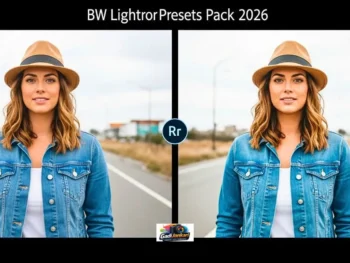
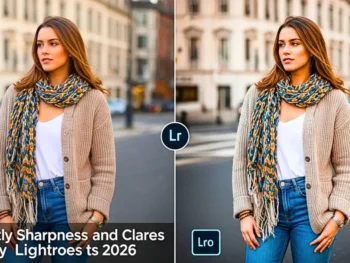
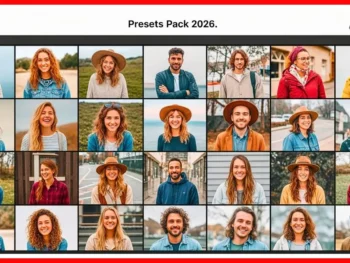
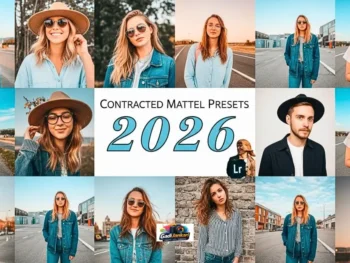
I tested the portrait presets on a set of 45 images from an outdoor engagement shoot. The portrait presets handled mixed lighting beautifully. Golden hour shots got a creamy, warm tone that looked expensive. Shaded shots under trees got lifted shadows without losing depth.
Skin tones remained accurate across different complexions. That is something most preset packs mess up badly. I barely had to touch the HSL sliders after applying the preset,t which saved me almost 40 minutes on the entire batch.
My Landscape Editing Results
The next day, I loaded 30 raw files from a trek I did near Manali. Applied the landscape preset, ETS, and the difference was instant. Skies got that deep blue without turning purple. Green fields looked alive without looking neon.
The fog overlay from the bundle added a moody layer to my mountain shots that looked completely natural. I posted three of those edited images on my portfolio page and got more engagement than any of my previous landscape work. The colours felt cinematic without looking overdone.
Key Features That Actually Matter
I have used enough editing tools to know which features are real and which are just marketing. Here is what genuinely stands out in this photography bundle based on my hands-on testing.
- Over 150 Lightroom presets covering portraits, landscapes, weddings, street, and travel photography
- 80 premium photos, including light leaks, fog, bokeh, and sun flare
- Advanced skin retouching plugin compatible with Photoshop 2026
- 12 detailed video tutorials taught by working professionals
- One-click batch editing support for Lightroom Classic and Lightroom CC
- Non-destructive editing so your original files stay untouched
- Compatible with both RAW and JPEG formats
- Works on Windows and Mac systems
- Free updates for 12 months after purchase
- Instant digital download with no waiting time
How To Apply These Presets
Applying the presets is straightforward. After purchasing,asing you will receive a download link within minutes. Extract the zip file on your computer. Open Lightroom and go to the Develop module. Right-click on the Presets panel and select Import. Navigate to the extracted folder, select all the preset files, and click Import.
Once imported, every preset shows up in your sidebar. Click on any image, tap the preset name, and the edit applies instantly. If you want to batch edit multiple images,s just select them all and sync the settings. The overlays work the same way in Photoshop. Drag and drop onto your image layer, adjust the blending mode, and you are done.
Why Choose This Over Other Packs
I have spent over ₹25,000 on various preset packs and plugins over the years. Most of them gave me five or six usable presets out of a pack of fifty. The rest looked terrible in real-world images. This portrait photography bundle is the first one where I genuinely use over 80 percent of the presets regularly.
The video tutorials alone are worth the price. They do not just show you how to apply presets. They teach you colour theory, light manipulation, and composition techniques that improve your photography at the source. You are not just buying tools. You are getting an education that makes every future shot better.
Who Should Grab This Bundle
If you are a wedding photographer who also shoots travel content, this bundle is perfect for you. If you are a hobbyist who wants portfolio-level edits without spending on Lightroom,m this is your shortcut. Even if you are a content creator who needs consistent colour grading across different types of shoots, this toolkit delivers.
The only people I would not recommend this to are those who shoot exclusively in black and white. The strength of this bundle is in its colour science, and if you never work with Colorr, you will not get the full value.
Current Pricing for 2026
The complete photography bundle is currently available at ₹1,499 for the standard pack. The premium version with all overlays and the retouching plugin is priced at ₹2,799. Considering individual presets from well-known creators cost ₹500 to ₹800 each, getting over 150 presets plus overlays and tutorials at this price is genuinely good value.
There is no subscription. You pay once and own everything forever. The 12-month free update policy means any new presets added to the collection in 2026 come to you at no extra cost.
Pros and Cons From My Personal Use
I believe in being honest about every product I recommend. After using this bundle for over four months, here is my balanced take.
On the positive side, the colour accuracy on skin tones is outstanding. The landscape presets produce natural-looking results without heavy saturation. Video tutorials add real educational value. Batch editing saves significant time. The price point is fair for what you get. Compatibility with both Lightroom and Photoshop is convenient.
On the downside, some overlays feel slightly dated in their design. The retouching plugin occasionally lags on older computers with less than 8GB RAM. There is no mobile Lightroom version included yet,t which would have been useful for quick edits on the go.
Frequently Asked Questions
Do these presets work on Lightroom Mobile
Currently,l y the presets are designed for Lightroom Classic and Lightroom CC desktop versions. A mobile version is expected to be added later in 2,026 according to the creators.
Can I use these for a client’s work commercial? ally
Yes. The licence allows full commercial use. You can apply these presetston client photos, portfolio images, and social media content without any restrictions.
Will these work on old photos or only new RAW files
These presets work on both old and new images. They are compatible with RAW and JPEG files from any camera brand, including Canon, Nikon, Sony, and Fujifilm.
Is there a refund policy
Most sellers offering this bundle provide a 30-day refund window. Check the specific seller page for exact terms before purchasing.
Do I need advanced editing skills to use this
Not at all. The one-click presets are designed for beginners. The video tutorials guide you through every step. Even if you have never used Lightroom before,e you can start producing professional results within an hour of watching the tutorials.