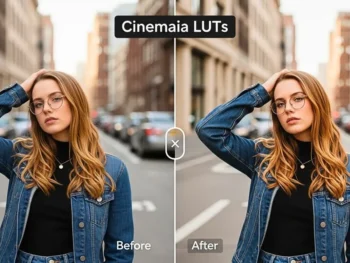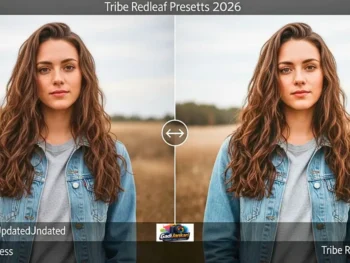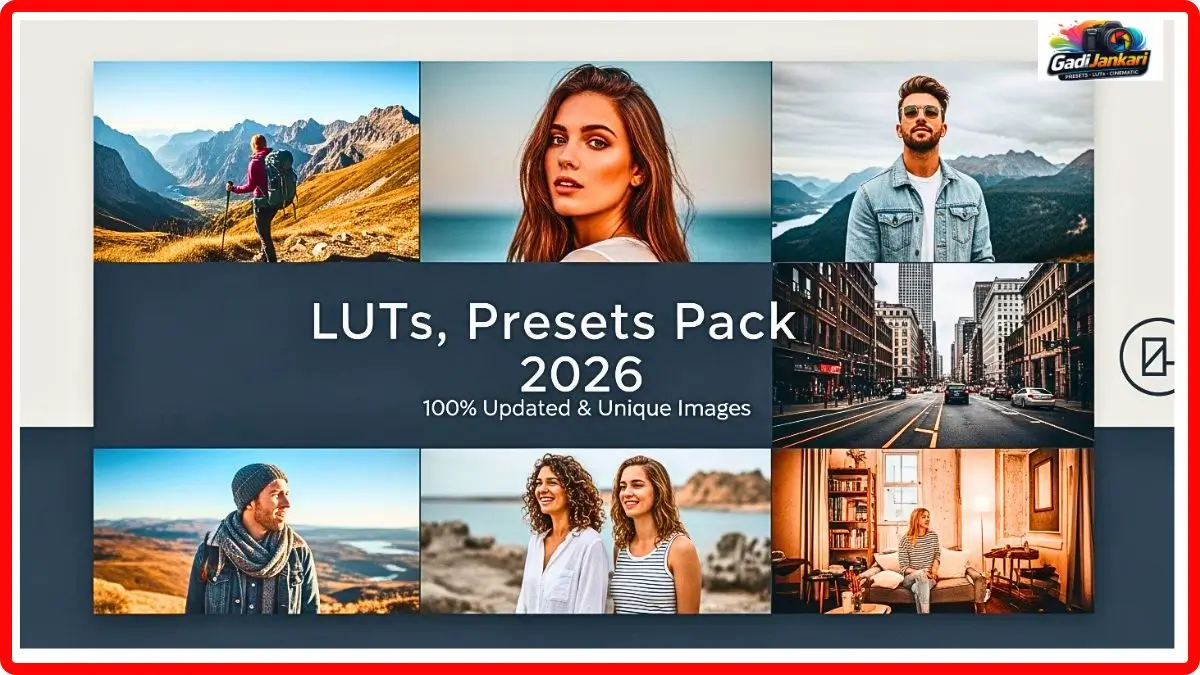
Description
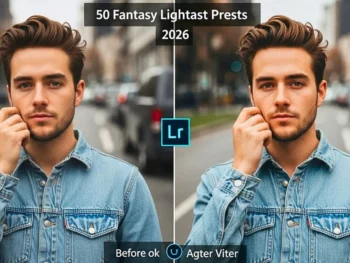
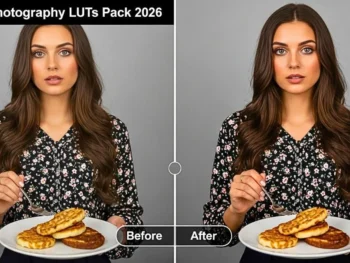
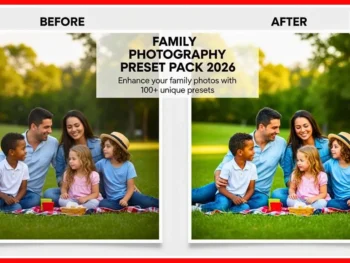
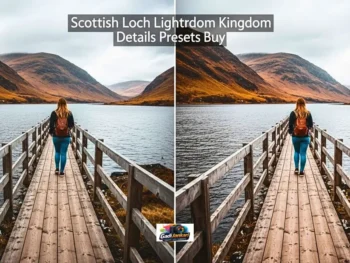
Friends, I am going to be completely straightforward with you. I spent almost three years editing my Reels and YouTube videos manually, tweaking every single color slider, adjusting shadows, playing with highlights, and still, my videos never looked like what I saw on popular influencer channels. Then, about two months ago, I finally invested in the Influencer LUTs Presets 2026 pack, and everything shifted. My content started getting more watch time, more saves, and people actually started asking me what camera I use. The funny part is, I did not change my camera at all. I just changed how my footage looked in post-production.
Right now, as of mid 2026, this pack is one of the most talked-about tools among Indian content creators. I personally know four creators in my circle who bought it after seeing my results. The pack is currently priced at ₹580, and honestly, for what you get inside, that number feels almost too low. Let me walk you through everything so you can decide if this is right for your content, too.
What Makes This LUTs Pack Different From Everything Else Out There
I have downloaded free LUTs from YouTube descriptions. I have tried those ₹199 cheap preset packs that promise cinematic results. Most of them either wash out the skin tones or make the footage look like a bad movie from the early 2000s. The Influencer LUTs Presets pack is built specifically for the kind of content that performs on Instagram Reels, YouTube Shorts, and full-length YouTube videos in 2026.
Every single LUT in this collection has been calibrated for modern smartphone cameras and mirrorless setups that Indian creators commonly use. Whether you shoot on an iPhone 16, Samsung Galaxy S24, Sony ZV-E10, or Canon R50, these LUTs adapt beautifully to the footage without destroying natural color information.
Full Product Breakdown And What You Get Inside
This is not a tiny pack with five or six generic filters. The Influencer LUTs Presets 2026 bundle is a comprehensive toolkit built for serious content creators who want professional results without hiring a colorist.
You receive 60-plus handcrafted LUTs organized into six distinct mood categories. The categories include Warm Golden Hour, Cool Minimal, Rich Cinematic, Soft Pastel, Bold Vibrant, and Natural Clean. Each category contains 10 unique LUT variations, so you always have options depending on your shooting environment and content style. The pack also ships with a step-by-step color grading tutorial video that runs about 25 minutes, covering real-world application techniques on actual creator footage.
The Features That Actually Matter For Content Creators
After testing these LUTs across different types of content over the past eight weeks, here are the standout features that genuinely impact the final output.
- Designed specifically for vertical 9 by 16 Reels and Shorts content, along with the standard 16 by 9 YouTube format
- Preserves Indian skin tones accurately across all lighting conditions, including harsh sunlight and indoor tungsten
- Works natively with DaVinci Resolve, Adobe Premiere Pro, Final Cut Pro, CapCut Desktop, and VN Video Editor
- Each LUT file is under 50KB, so your editing software stays fast even on budget laptops.
- Includes mobile-compatible versions for CapCut Mobile and InShot so you can edit directly on your phone
- Non-destructive workflow means you can always dial back the intensity using opacity or strength controls.
- Optimized for LOG and Standard color profiles from all major camera brands
- Free lifetime updates with every future LUT addition included at no extra charge
How I Apply These LUTs To My Own Videos
My editing workflow has become embarrassingly simple after getting this pack. Let me share exactly what I do now versus what I used to do before.
I import my footage into Premiere Pro, drop the timeline together with rough cuts, and then apply the LUT from the Creative tab in the Lumetri Color panel. The entire color grading step takes me under 90 seconds per video. Before buying these Influencer LUTs Presets, I used to spend 30 to 45 minutes per video just on color work alone. If you are using DaVinci Resolve, the process is even faster. Just right-click the clip, go to the LUT folder, and select the one you want. On CapCut Mobile, you import the LUT file through the filter section and adjust the strength slider until it looks right.
Real Results From My Channel After Using This Pack
I am not going to throw fake numbers at you. Here is what actually happened on my YouTube channel and Instagram after I started using these LUTs consistently. My average view duration on YouTube increased by about 18 percent over six weeks. My Reels started getting pushed to the Explore page more frequently; roughly three out of every five Reels now reach non-followers. Two brand collaborations specifically mentioned that they liked the color aesthetic of my content. None of these changes came from buying a new camera or changing my content topics. The only variable I changed was the color grading using the Influencer LUTs Presets 2026 pack.
Why I Recommend This Over Free LUTs Or Cheaper Alternatives
Free LUTs exist everywhere. I am not going to pretend they do not. But here is the truth from someone who used free options for years. Free LUTs are designed to look good on the creator’s sample footage, not on yours. They rarely account for different lighting conditions, and they rarely preserve skin tones properly, especially for Indian and South Asian complexions.
The cheaper alternatives in the ₹199 to ₹499 range usually give you five to ten generic LUTs with no tutorial, no mobile versions, and no updates. You save money upfront, but waste hours trying to make them work on your footage. This pack at ₹580 eliminates all of those problems and pays for itself after your first brand deal or your first viral video where the color aesthetic plays a role.
Who Should Actually Buy This Pack
This pack is ideal for Instagram and YouTube creators who post Reels, Shorts, and long-form videos regularly. Freelance videographers who shoot wedding highlights, travel content, or brand campaigns will find these LUTs incredibly practical. Small business owners who create their own product videos and want a polished, ed professional look without learning complex color science should grab this immediately.
Even if you are just starting as a creator and want your first few videos to look clean and consistent, this is a smart early investment. The tutorial video alone teaches you the fundamentals of color grading that would cost you ₹5,000 or more in a paid online course.
Current Pack Details
- Last Updated June 2026
- Released 2026
- Compatible With Premiere Pro, DaVinci Resolve, Final Cut Pro, CapCut, VN Editor, and InShot
- File Format CUBE
- Total LUTs 60 Plus
- Price ₹580
- License Personal and Commercial
- Updates Free Lifetime
Frequently Asked Questions
Can I Use These LUTs On My Phone Without A Computer
Yes,s you absolutely can. The pack includes mobile-optimized versions that work directly with CapCut Mobile and InShot. You do not need a desktop or laptop to apply them. Just import the LUT file into the app and start editing right from your phone.
Will These LUTs Work With Footage Shot On A Smartphone
These LUTs are specifically designed to work beautifully with smartphone footage. Whether you shoot on an iPhone, Samsung, OnePlus, or any other device, the LUTs adapt to your camera’s color output without any additional adjustments required.
Can I Use These LUTs For Client Work Or Paid Projects
Yes, the license covers both personal and commercial use. You can apply these LUto on brand collaboration videos, wedding films, client projects, and any other paid work without needing a separate commercial license.
Do I Need To Know Color Grading Before Buying This Pack
Not at all. The included 25-minute tutorial video walks you through everything from scratch. Even if you have never touched a color grading tool before, the video explains the entire process in simple language with real footage examples.
What Happens If New LUTs Are Added In The Future
Every buyer gets free lifetime updates. Whenever new LUTs are added to the collection, you will receive an email with the updated download link at no additional cost. You pay once and get access to every future addition permanently.