Description
Friends, I want to settle something that has confused me for a very long time. Main kept seeing preset packs marketed for photographers and LUT packs marketed for videographers sold as completely separate products. Then, earlier this year,r I came across a bundle that claimed to work seamlessly across both Premiere Pro and Lightroom using the same color science. Natural, ly I was skeptical. How can one product deliver professional results on still photographs and moving footage at the same time? So I bought it in February 2026 and committed to using it exclusively for three full months across every single project. Wedding photos, YouTube videos, client portrait sessions, short film color grading, product shoots, everything went through this pack. What I discovered genuinely changed how I think about creative tools, and I need to share the complete truth with you.
Why Cross-Platform Testing Actually Matters in 2026
Most creators today shoot both photos and videos. A wedding photographer records behind-the-scenes reels. A YouTuber needs thumbnail photos alongside edited footage. Buying separate preset packs for Lightroom and separate LUT packs for Premiere Pro means spending double the money and getting inconsistent color results between your stills and video.
I tested this on Premiere Pro and Lightroom specifically to check whether the color translation between both platforms stays consistent. If I grade a photo with the Lightroom preset, does the corresponding Premiere Pro LUT give my video the same visual feel? That consistency question was the entire focus of my three-month evaluation.
What Comes Inside This Dual Platform Bundle
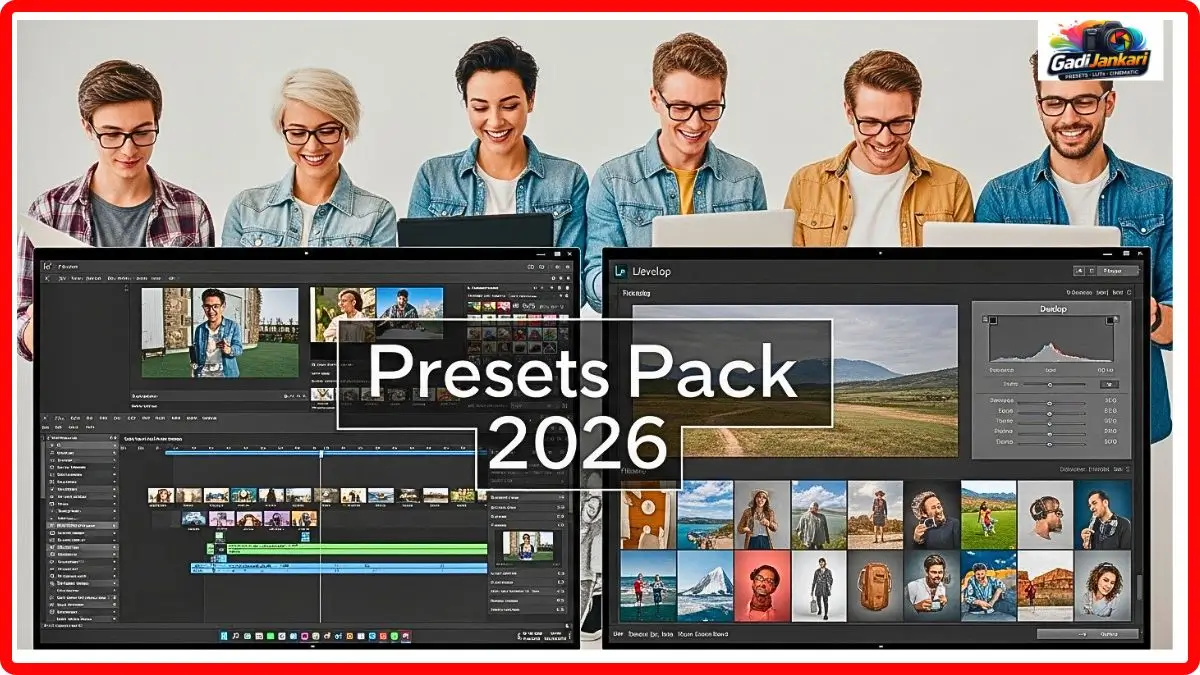
This is not a random collection of files thrown together. The pack is designed with intentional pairing between the photo presets and video LUTs. Every Lightroom preset has a matching .cube LUT file that reproduces the same color treatment in your video editor.
- Lightroom presets in .xmp format for desktop and .dng for mobile
- Matching .cube LUT files for Premiere Pro, DaVinci Resolve, and Final Cut Pro
- Warm tone series for golden hour and indoor tungsten situations
- Cool tone series for overcast, blue hour, and corporate content
- Cinematic film emulation grades for narrative and music video work
- Clean natural series for product photography and e-commerce videos
- Skin tone optimized presets specifically calibrated for South Asian complexions
- Before and after reference sheets for each preset LUT pair
- Installation walkthrough video covering both Lightroom and Premiere Pro
- Lifetime updates are included with the purchase
Month One on Lightroom with Portrait and Product Work
My first month focused entirely on Lightroom. I applied the presets to 340 photographs across four different projects. Two portrait sessions, one product shoot for an online jewellery store, and one outdoor pre-wedding session.
The warm tone presets performed brilliantly on the portrait work. Skin handled beautifully without that fake orange glow that plagues most preset packs. The jewellery product shots needed the clean natural preset, which kept gold looking like actual gold rather than yellow metal. My pre-wedding outdoor shoot used the cinematic series, and the couple absolutely loved the delivered gallery. The first month’s verdict for Lightroom was strongly positive across the board.
Month Two on Premiere Pro with Video Projects
Month two shifted entirely to Premiere Pro. I had a YouTube recipe video, a short brand film for a cafe in Pune, and a wedding highlight reel to edit. The corresponding LUT files from the same pack were applied to all three projects.
The recipe video needed accurate food colors under warm kitchen lighting. The matching LUT to the clean natural preset handled this well. Greens in the garnish stayed green. Rice looked white instead of yellow. The cafe brand film used the cinematic LUT, and the footage immediately felt like a proper commercial. My biggest concern was the wedding highlight reel because wedding footage has extreme lighting variation. The warm tone LUT managed about 85 percent of the clips without additional correction. The remaining clips needed minor exposure tweaks,s but the color direction stayed consistent.
Month ThreCross-Platform Comparison
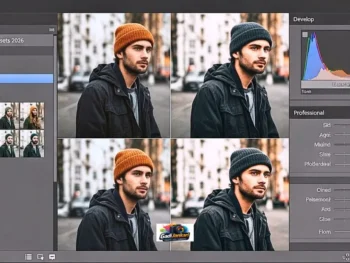
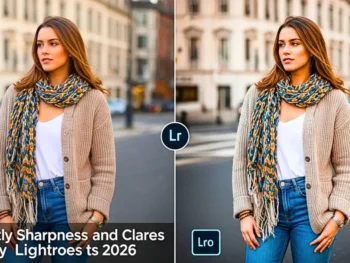
This was the real test. I took frames from my video projects and compared them side by side with photographs from similar shooting conditions that were edited with the matching Lightroom presets. The color consistency between Premiere Pro and Lightroom versions was genuinely impressive.
The golden hour portrait preset matched the golden hour video LUT within about 90 to 95 percent accuracy. There was a slight difference in shadow treatment because video and photo files encode data differently. But to a client or social media viewer, the visual identity looked unified. My Instagram grid of photos and reels finally had a cohesive color story instead of looking like five different photographers worked on it.
Where the Pack Fell Short and I Need to Be Honest
No product is perfect,t and I would be dishonest if I did not mention the weak points. The cool tone series felt too aggressive on indoor footage with fluorescent lighting. Skin went slightly greener, and I needed to manually dial back the tint. This happened in Premiere Pro but not in Lightr, oom which suggests the LUT translation is not perfectly identical in cooler color temperatures.
Two of the cinematic presets looked beautiful on landscape photos,otos but introduced visible banding in sky gradients on video footage. This is likely a bit depth issue rather than a preset pr,oblem but it still affected my output. For vide,o work I recommend applying these LUTs on adjustment layers at 80 to 85 percent intensity rather than full strength.
The Real Cost and Whether It Justifies the Investment
The complete dual platform pack costs approximately Rs 1200 to Rs 800, depending on promotional offers running at the time of purchase. The Lightroom-only version is available for around Rs 1,500, and a PremierePro-only LUT pack for around Rs 1,100. Buying them separately costs more than the combined bundle, which makes the bundle the obvious choice if you work on both platforms.
My previous spending on separate Lightroom presets and Premiere Pro LUTs over three years totaled roughly Rs 16,000. This single cohesive pack replaced all of them at less than a third of that cost. The time savings alone justified the purchase within the first two weeks. I estimate saving 5 to 7 hours per week on color grading work.
My Exact Application Process for Both Platforms
In Lightroom, I import the .xmp files through the Preset panel. Right-click on the Presets header, select Import Presets, navigate to the folder, and they appear organized by category. One click applies the preset, and I adjust intensity by modifying individual sliders if needed.
In Premiere Pr,o I go to the Lumetri Color panel, open the Creative tab, and browse to the .cube file location. I always apply LUTs on a separate adjustment layer above my footage rather than directly on the clip. This keeps my original footage untouched and lets me control intensity using the layer opacity slider. The included video tutorial covers both processes clearly with screen recordings.
Who Should Seriously Consider This Pack
Content creators who produce both photos and videos for the same brand or personal channel will benefit the most. Wedding professionals who deliver photo galleries and highlight reels need the visual consistency this provides. Social media managers handling both static posts and video reels for clients need unified color treatment. Freelancers juggling multiple content types on tight deadlines need the time savings. Students building portfolios across photography and videography will appreciate the professional quality at a student-friendly price point.
Frequently Asked Questions
Can I use the Lightroom presets on mobile
Yes. The pack includes .dng format files specifically for Lightroom Mobile on both iOS and Android devices. The desktop .xmp files work on Lightroom Classic and Lightroom CC.
Do the Premiere Pro LUTs work in DaVinci Resolve
Yes. The .cube file format is universally compatible with Premiere Pro, DaVinci Resolve, Final Cut Pro, and most other professional video editing software.
Will these work on footage from any camera brand?
They work on all major camera systems, including Sony, Canon, Fujifilm, Nikon, Panasonic, and DJI drones. LOG footage should be converted to Rec709 first for best results unless the pack includes specific LOG profile corrections.
Is there a money-back guarantee
Most sellers offer a 14 to 30-day refund window. Check the specific store policy before purchasing. I recommend testing on at least 10 to 15 images and 3 to 4 video clips within the refund period to evaluate properly.
How do updates work after purchase?
All future updates are included free through lifetime access. When new preset LUT pairs are added to the collection, you receive them at no additional cost through your original download link or account dashboard.